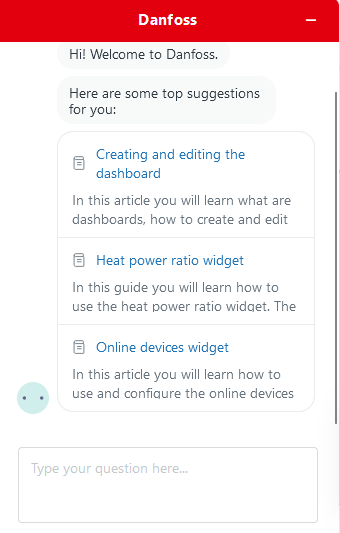
Help bot - By clicking the robot icon in the top right corner a chat box will appear with the help bot. The bot will recommend you guides based on where you currently are inside of the application. You can ask him questions about the features in Leanheat® Monitor.
Guest invitation - In the "User management" tab (previously "Accounts") there is a new tab on the left-hand side named "Guests". The creation process for a guest is the same as for a normal user. Guests are users that are already tied to a Leanheat® Monitor tenant. Guests can have access to multiple tenants and switch between them. An example of a guest is a technician that is not tied to just one tenant/company or a Danfoss technician. (If you have access to multiple tenants you can switch between them by clicking the tenant name in the top right corner and then clicking "Tenants".
in the top right corner a chat box will appear with the help bot. The bot will recommend you guides based on where you currently are inside of the application. You can ask him questions about the features in Leanheat® Monitor.
Comments
0 comments
Please sign in to leave a comment.